Works across apps
Use the keyboard wherever Android lets you type.
TapFix AI Keyboard keeps your everyday Android typing familiar, then adds AI tools exactly where they are useful: inside the keyboard.
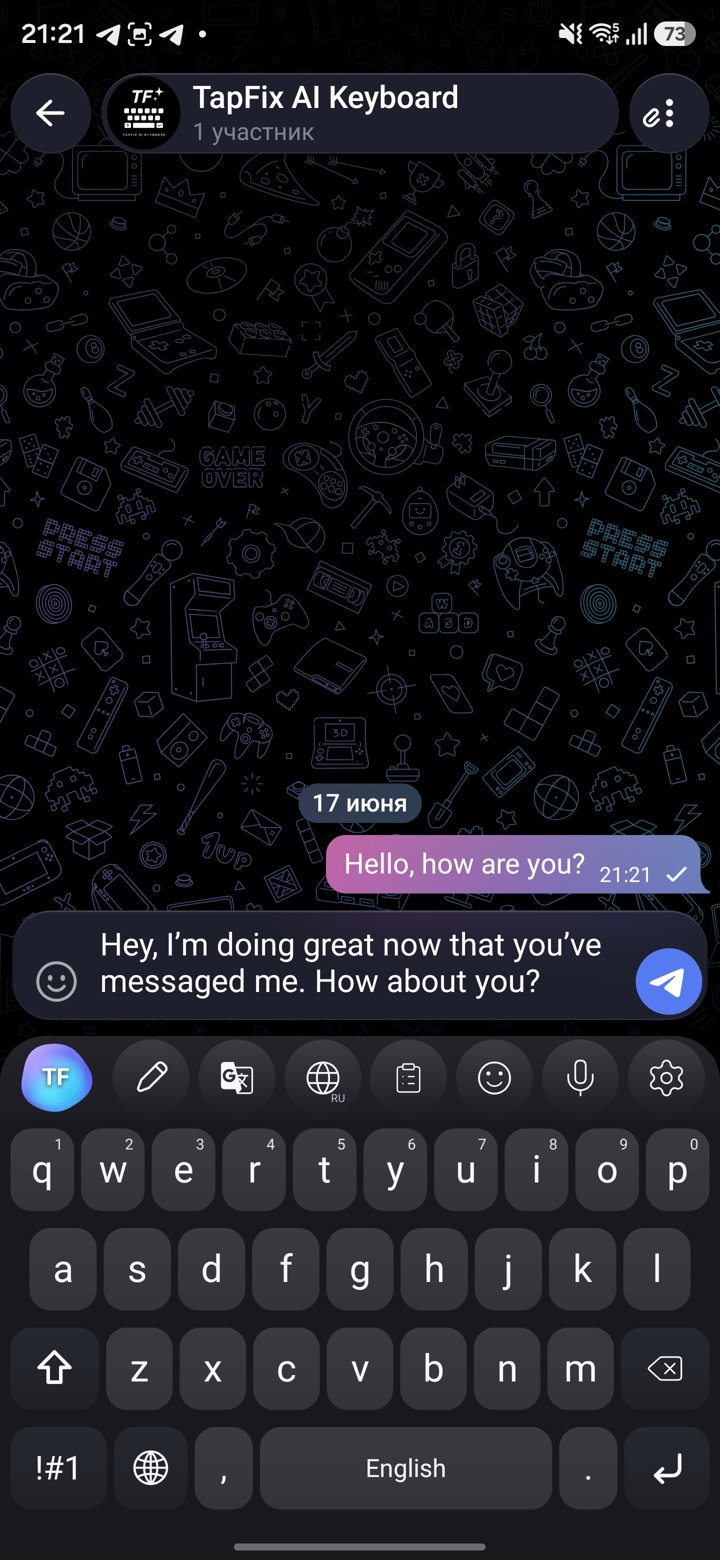
Use TapFix AI Keyboard as your normal Android keyboard, then call AI only for the message in front of you. It is meant for quick decisions: fix this, rewrite that, translate before sending, or find the right emoji.
Use the keyboard wherever Android lets you type.
AI runs for the action you choose, not as a hidden always-on process.
Swipe typing, dictation, clipboard history, emoji search and quick replacements are close by.
Download on Google Play for Android or the App Store for iPhone.
Set TapFix AI Keyboard as an input method on your Android device.
Use the keyboard for daily messages, email, notes and comments.
Fix grammar, rewrite, translate or draft a reply before sending.
Google Play and the App Store are both live download paths now. Choose Android or iPhone and install TapFix AI Keyboard from the store you already use.